
10 Best Practices for Homeschool Families to Secure Their Online Presence
10 Best Practices for Homeschool Families to Secure Their Online Presence
10 Best Practices for Homeschool Families to Secure Their Online Presence
Why cybersecurity matters for homeschool families?
Why cybersecurity matters for homeschool families?
Download the 10 Best Practices checklist as a PDF
HOMESCHOOL FAMILIES rely heavily on online tools like learning platforms, video classes, digital curriculum, and shared devices. But this increased connectivity also creates new risks. According to recent studies:
HOMESCHOOL FAMILIES rely heavily on online tools like learning platforms, video classes, digital curriculum, and shared devices. But this increased connectivity also creates new risks. According to recent studies:
HOMESCHOOL FAMILIES rely heavily on online tools like learning platforms, video classes, digital curriculum, and shared devices. But this increased connectivity also creates new risks. According to recent studies:
1 in 3 families experience some form of online security breach each year.
43% of cyberattacks target households, not businesses.
More than 70% of teens say they have hidden online behavior from parents.
Over 50% of children have interacted with a stranger online without knowing it.
1 in 3 families experience some form of online security breach each year.
43% of cyberattacks target households, not businesses.
More than 70% of teens say they have hidden online behavior from parents.
Over 50% of children have interacted with a stranger online without knowing it.
1 in 3 families experience some form of online security breach each year.
43% of cyberattacks target households, not businesses.
More than 70% of teens say they have hidden online behavior from parents.
Over 50% of children have interacted with a stranger online without knowing it.
Most home networks aren’t built to handle full-time digital learning, leaving children vulnerable to identity theft, cyberbullying, predators, and malware.
This guide shares 10 practical steps every homeschool family can take to stay safe online.
Most home networks aren’t built to handle full-time digital learning, leaving children vulnerable to identity theft, cyberbullying, predators, and malware.
This guide shares 10 practical steps every homeschool family can take to stay safe online.
Most home networks aren’t built to handle full-time digital learning, leaving children vulnerable to identity theft, cyberbullying, predators, and malware.
This guide shares 10 practical steps every homeschool family can take to stay safe online.

1. Secure your Home Wi-fi Network with a Home Firewall
1. Secure your Home Wi-fi Network with a Home Firewall
A home firewall blocks dangerous websites, malware, and attacks before they reach any device. It protects your entire network — laptops, tablets, and phones — from threats your router alone cannot stop.
Solutions: Marma Security SafeHome
A home firewall blocks dangerous websites, malware, and attacks before they reach any device. It protects your entire network — laptops, tablets, and phones — from threats your router alone cannot stop.
Solutions: Marma Security SafeHome
A home firewall blocks dangerous websites, malware, and attacks before they reach any device. It protects your entire network — laptops, tablets, and phones — from threats your router alone cannot stop.
Solutions: Marma Security SafeHome
2. Install Antivirus and Anti-Malware Protection on All Devices
2. Install Antivirus and Anti-Malware Protection on All Devices
Antivirus removes hidden threats like viruses, ransomware, and malicious downloads. Kids often install apps or click links unknowingly — antivirus gives your devices a strong safety net.
Solutions: Norton 360, Malwarebytes Premium, Marma Security Client
Antivirus removes hidden threats like viruses, ransomware, and malicious downloads. Kids often install apps or click links unknowingly — antivirus gives your devices a strong safety net.
Solutions: Norton 360, Malwarebytes Premium, Marma Security Client
Antivirus removes hidden threats like viruses, ransomware, and malicious downloads. Kids often install apps or click links unknowingly — antivirus gives your devices a strong safety net.
Solutions: Norton 360, Malwarebytes Premium, Marma Security Client
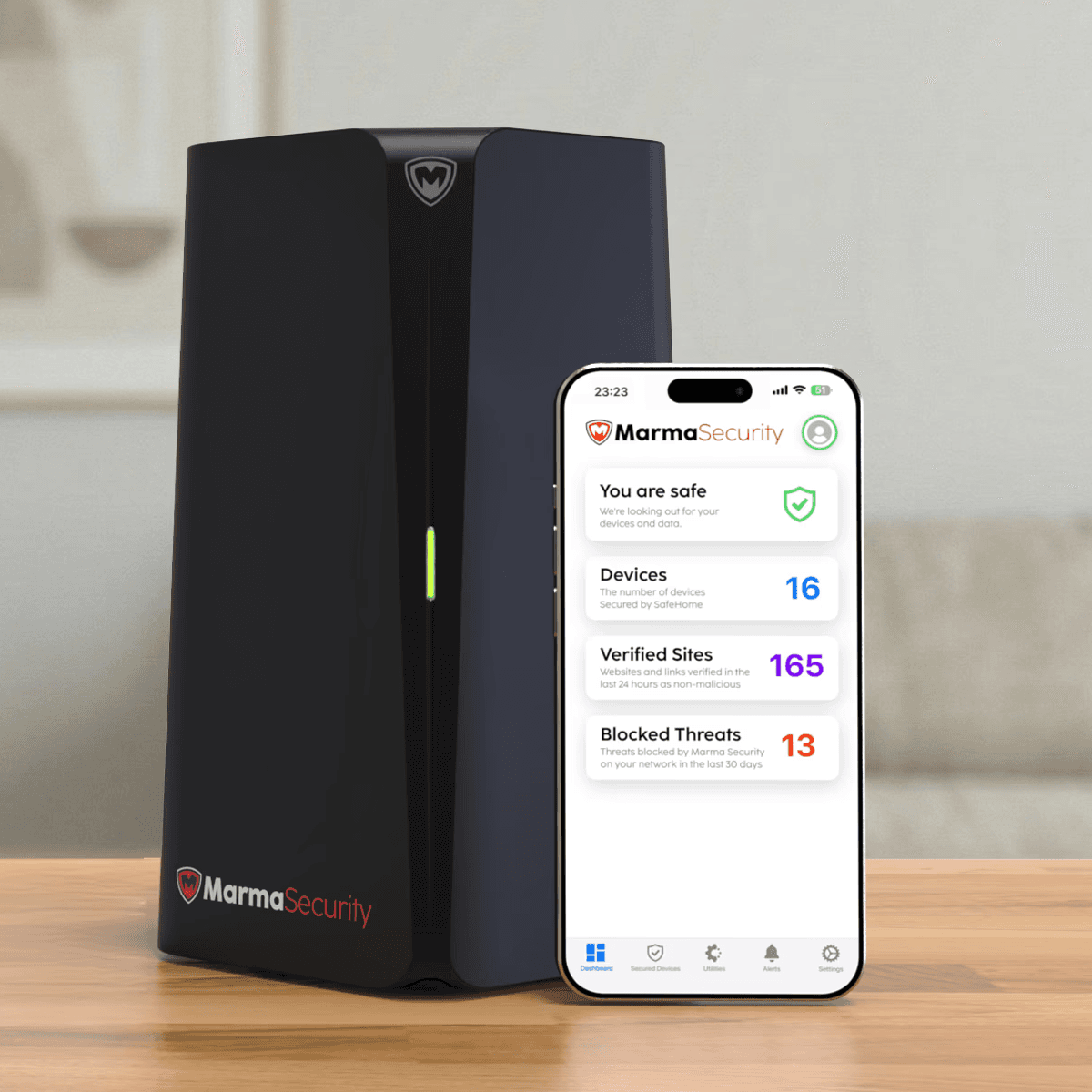
3. Use Parental Controls and Content Filtering
3. Use Parental Controls and Content Filtering
Parental controls block adult content, limit risky sites, and help manage screen time. Filters keep kids from stumbling into harmful or age-inappropriate content during study time or browsing.
Solutions: Marma Security SafeHome
Parental controls block adult content, limit risky sites, and help manage screen time. Filters keep kids from stumbling into harmful or age-inappropriate content during study time or browsing.
Solutions: Marma Security SafeHome
Parental controls block adult content, limit risky sites, and help manage screen time. Filters keep kids from stumbling into harmful or age-inappropriate content during study time or browsing.
Solutions: Marma Security SafeHome
4. Keep All Software & Devices Updated
4. Keep All Software & Devices Updated
Updates close security gaps that attackers try to exploit. Automatic updates on your OS, browser, and apps ensure your family stays protected from new threats.
Solutions: Norton 360, Malwarebytes Premium, Marma Security Client
Updates close security gaps that attackers try to exploit. Automatic updates on your OS, browser, and apps ensure your family stays protected from new threats.
Solutions: Norton 360, Malwarebytes Premium, Marma Security Client
Updates close security gaps that attackers try to exploit. Automatic updates on your OS, browser, and apps ensure your family stays protected from new threats.
Solutions: Norton 360, Malwarebytes Premium, Marma Security Client
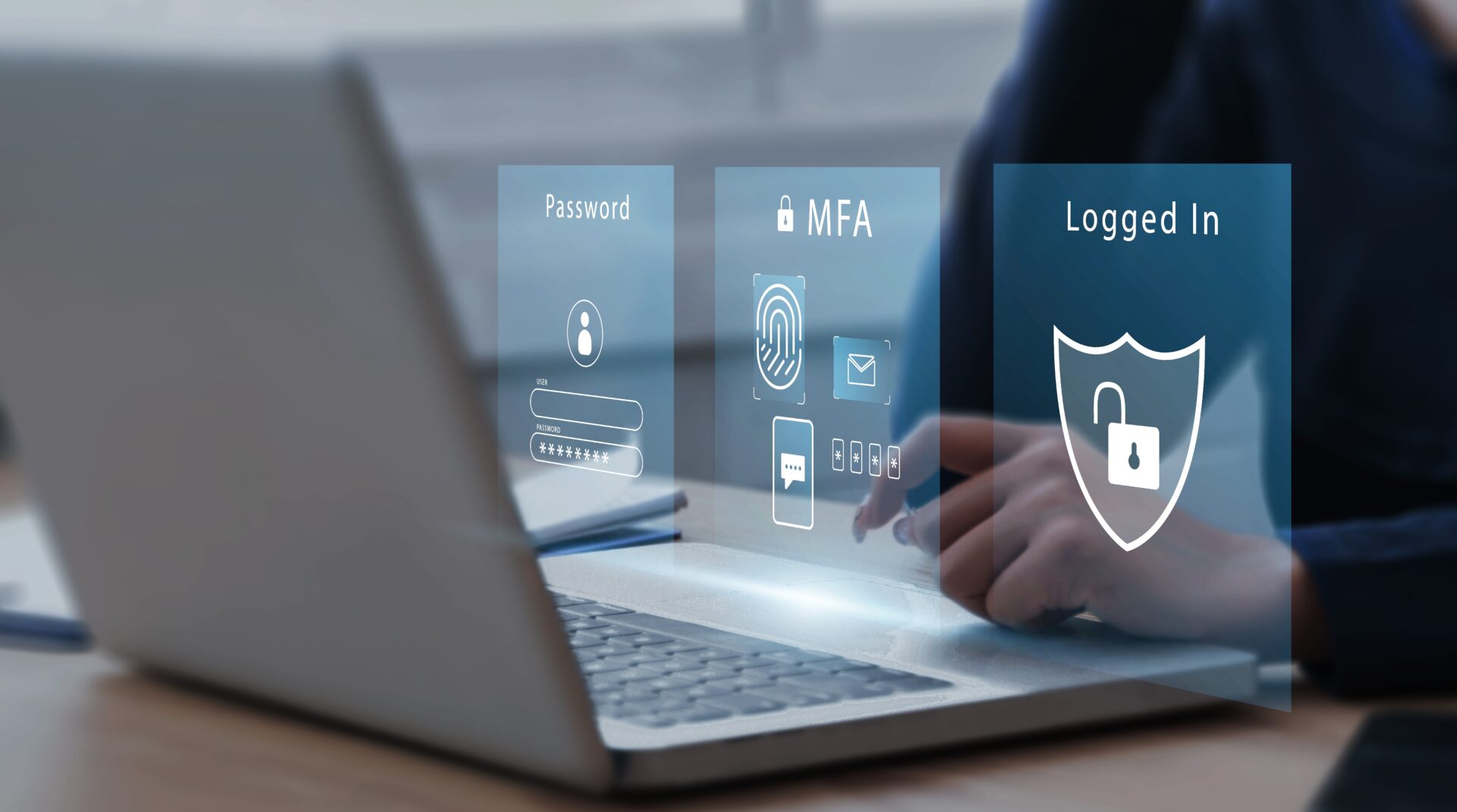
5. Use Strong Passwords & Enable Multi-Factor Authentication
5. Use Strong Passwords & Enable Multi-Factor Authentication
Strong passwords and MFA prevent unauthorized access — even if someone steals or guesses your password. MFA adds a second layer of protection, making accounts far harder to break into.
Solutions: 1Password, Bitwarden, LastPass
Strong passwords and MFA prevent unauthorized access — even if someone steals or guesses your password. MFA adds a second layer of protection, making accounts far harder to break into.
Solutions: 1Password, Bitwarden, LastPass
Strong passwords and MFA prevent unauthorized access — even if someone steals or guesses your password. MFA adds a second layer of protection, making accounts far harder to break into.
Solutions: 1Password, Bitwarden, LastPass

6. Teach Children and Teens Safe Online Behaviour
6. Teach Children and Teens Safe Online Behaviour
Kids need guidance on identifying risks, protecting their privacy, and avoiding unsafe interactions. Regular conversations help them understand how to navigate the internet responsibly and report anything unusual.
Topics to cover: Never talk to strangers online, Don't share photos or real-world location, Thinking before posting and Reporting suspicious behaviour to a parent immediately
Kids need guidance on identifying risks, protecting their privacy, and avoiding unsafe interactions. Regular conversations help them understand how to navigate the internet responsibly and report anything unusual.
Topics to cover: Never talk to strangers online, Don't share photos or real-world location, Thinking before posting and Reporting suspicious behaviour to a parent immediately
Kids need guidance on identifying risks, protecting their privacy, and avoiding unsafe interactions. Regular conversations help them understand how to navigate the internet responsibly and report anything unusual.
Topics to cover: Never talk to strangers online, Don't share photos or real-world location, Thinking before posting and Reporting suspicious behaviour to a parent immediately

7. Protect Personal Information and Identity
7. Protect Personal Information and Identity
Limit what your family shares online to prevent identity theft and manipulation. Turn off location sharing, avoid posting sensitive details, and use avatars instead of real photos when possible.
Solutions: Turn off location services for apps, Use avatars instead of real photos for online platforms, Create “school accounts” separate from personal accounts.
Limit what your family shares online to prevent identity theft and manipulation. Turn off location sharing, avoid posting sensitive details, and use avatars instead of real photos when possible.
Solutions: Turn off location services for apps, Use avatars instead of real photos for online platforms, Create “school accounts” separate from personal accounts.
Limit what your family shares online to prevent identity theft and manipulation. Turn off location sharing, avoid posting sensitive details, and use avatars instead of real photos when possible.
Solutions: Turn off location services for apps, Use avatars instead of real photos for online platforms, Create “school accounts” separate from personal accounts.

8. Back Up Important Data Regularly
8. Back Up Important Data Regularly
Backups ensure schoolwork and documents are safe from device failures or ransomware. Cloud storage or external drives help restore everything quickly if something goes wrong.
Solutions: Cloud storage: Google Drive, OneDrive, iCloud, External hard drives with automatic backup tools
Backups ensure schoolwork and documents are safe from device failures or ransomware. Cloud storage or external drives help restore everything quickly if something goes wrong.
Solutions: Cloud storage: Google Drive, OneDrive, iCloud, External hard drives with automatic backup tools
Backups ensure schoolwork and documents are safe from device failures or ransomware. Cloud storage or external drives help restore everything quickly if something goes wrong.
Solutions: Cloud storage: Google Drive, OneDrive, iCloud, External hard drives with automatic backup tools
9. Limit Device Access and Use Separate Profiles
9. Limit Device Access and Use Separate Profiles
Give each child their own non-admin profile to control what they can download and access. Separate profiles prevent accidental changes and reduce exposure to unwanted apps or settings.
Solutions: Microsoft Family Safety, Apple Screen Time, Chromebook supervised accounts, Marma Security SafeHome
Give each child their own non-admin profile to control what they can download and access. Separate profiles prevent accidental changes and reduce exposure to unwanted apps or settings.
Solutions: Microsoft Family Safety, Apple Screen Time, Chromebook supervised accounts, Marma Security SafeHome
Give each child their own non-admin profile to control what they can download and access. Separate profiles prevent accidental changes and reduce exposure to unwanted apps or settings.
Solutions: Microsoft Family Safety, Apple Screen Time, Chromebook supervised accounts, Marma Security SafeHome

10. Secure Video Calls, Online Classes, and Virtual Communities
10. Secure Video Calls, Online Classes, and Virtual Communities
Give each child their own non-admin profile to control what they can download and access. Separate profiles prevent accidental changes and reduce exposure to unwanted apps or settings.
Solutions: Microsoft Family Safety, Apple Screen Time, Chromebook supervised accounts, Marma Security SafeHome
Give each child their own non-admin profile to control what they can download and access. Separate profiles prevent accidental changes and reduce exposure to unwanted apps or settings.
Solutions: Microsoft Family Safety, Apple Screen Time, Chromebook supervised accounts, Marma Security SafeHome
Give each child their own non-admin profile to control what they can download and access. Separate profiles prevent accidental changes and reduce exposure to unwanted apps or settings.
Solutions: Microsoft Family Safety, Apple Screen Time, Chromebook supervised accounts, Marma Security SafeHome
Homeschool families today depend on technology more than ever. With that dependence comes the responsibility to create a safe, secure digital learning environment. By following these 10 best practices—securing networks, protecting devices, teaching online safety, and using the right tools—families can dramatically reduce their risk of cyber threats. Cybersecurity is not a one-time task. It’s a habit, a mindset, and a family commitment.
Homeschool families today depend on technology more than ever. With that dependence comes the responsibility to create a safe, secure digital learning environment. By following these 10 best practices—securing networks, protecting devices, teaching online safety, and using the right tools—families can dramatically reduce their risk of cyber threats. Cybersecurity is not a one-time task. It’s a habit, a mindset, and a family commitment.
Homeschool families today depend on technology more than ever. With that dependence comes the responsibility to create a safe, secure digital learning environment. By following these 10 best practices—securing networks, protecting devices, teaching online safety, and using the right tools—families can dramatically reduce their risk of cyber threats. Cybersecurity is not a one-time task. It’s a habit, a mindset, and a family commitment.
Get the 10 Best Practices checklist as a PDF
Get the 10 Best Practices checklist as a PDF
Get Checklist
Join our newsletter to keep up to date with us!
SafeHomeSchools.org
Let’s build safer digital homes together.
© 2025 Marma Security Inc.
Join our newsletter to keep up to date with us!
SafeHomeSchools.org
Let’s build safer digital homes together.
© 2025 Marma Security Inc.
Join our newsletter to keep up to date with us!
SafeHomeSchools.org
Let’s build safer digital homes together.
© 2025 Marma Security Inc.